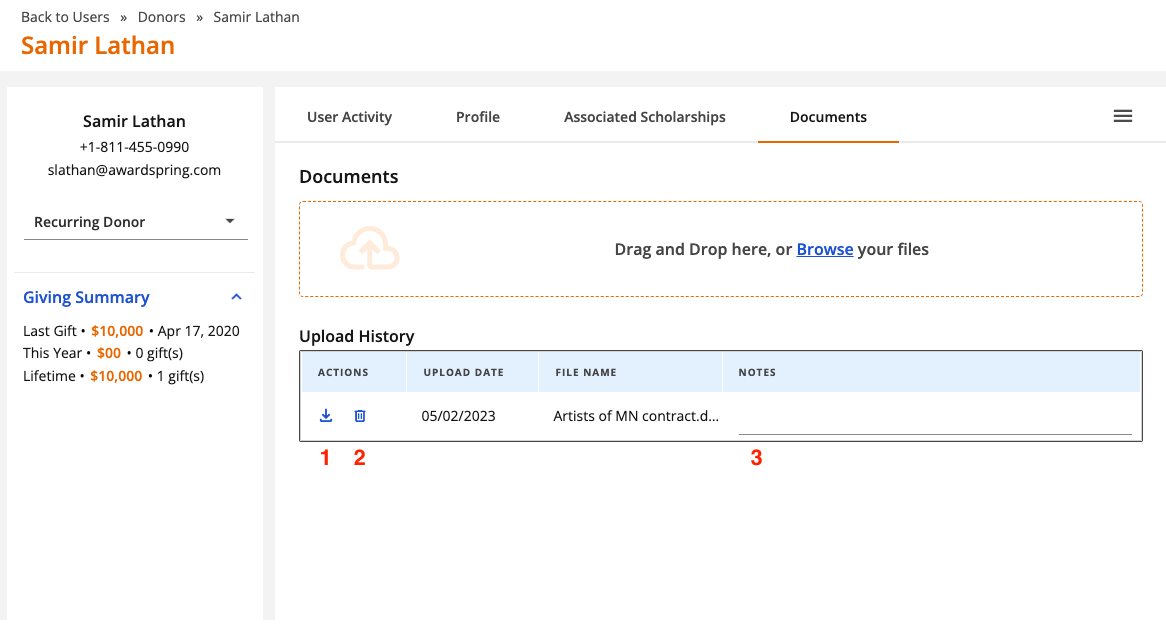
Use the documents section of the donor record to keep track of important contracts or other assets pertaining to the donor. Simply open a donor record (via Users) and click the Documents tab to get started.
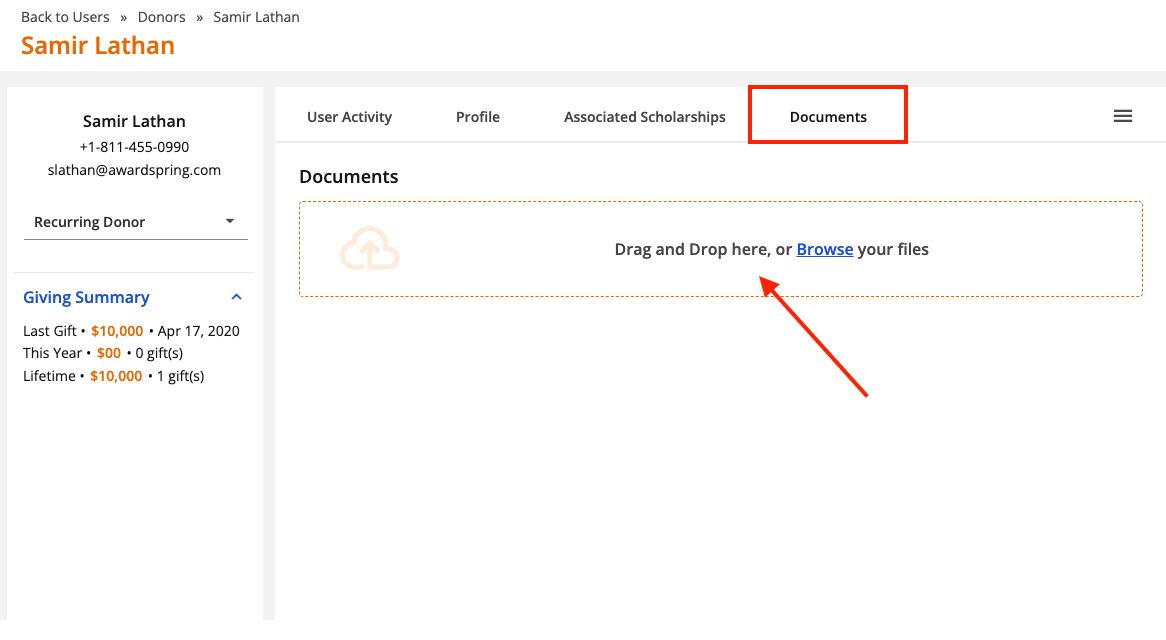
You can drag and drop files into this section or browse for files on your local drive by clicking Browse.
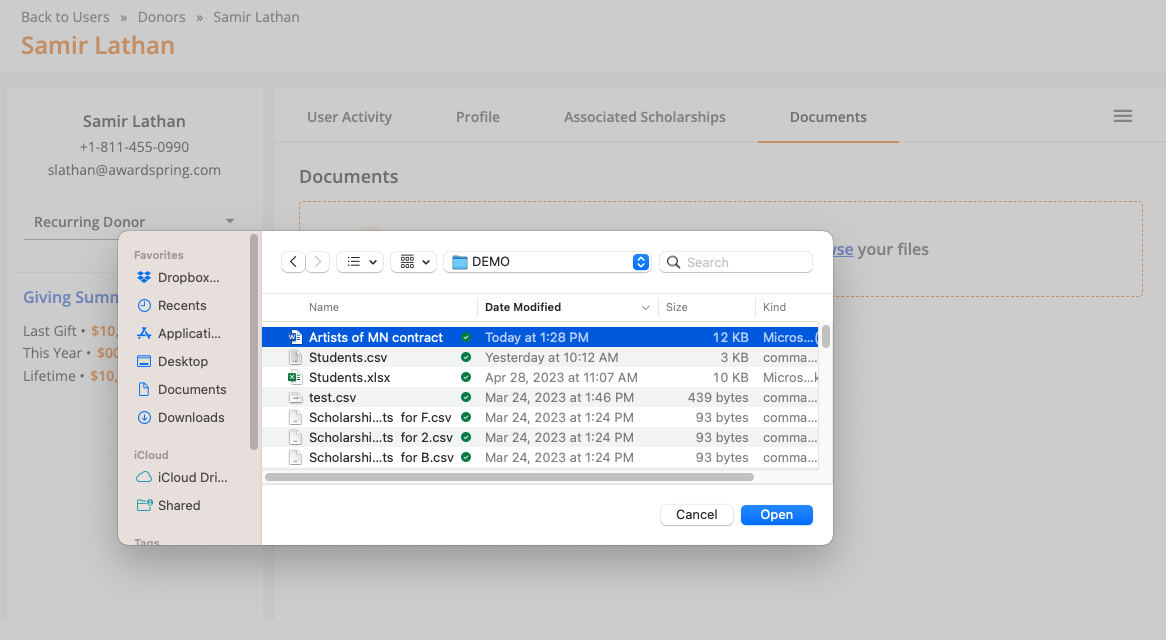
Select the file and proceed to open it.

A confirmation message will indicate that the file has been uploaded successfully and you will see the file under the 'Upload History' section. From here you can download (1), delete (2) or add notes (3) about the document.