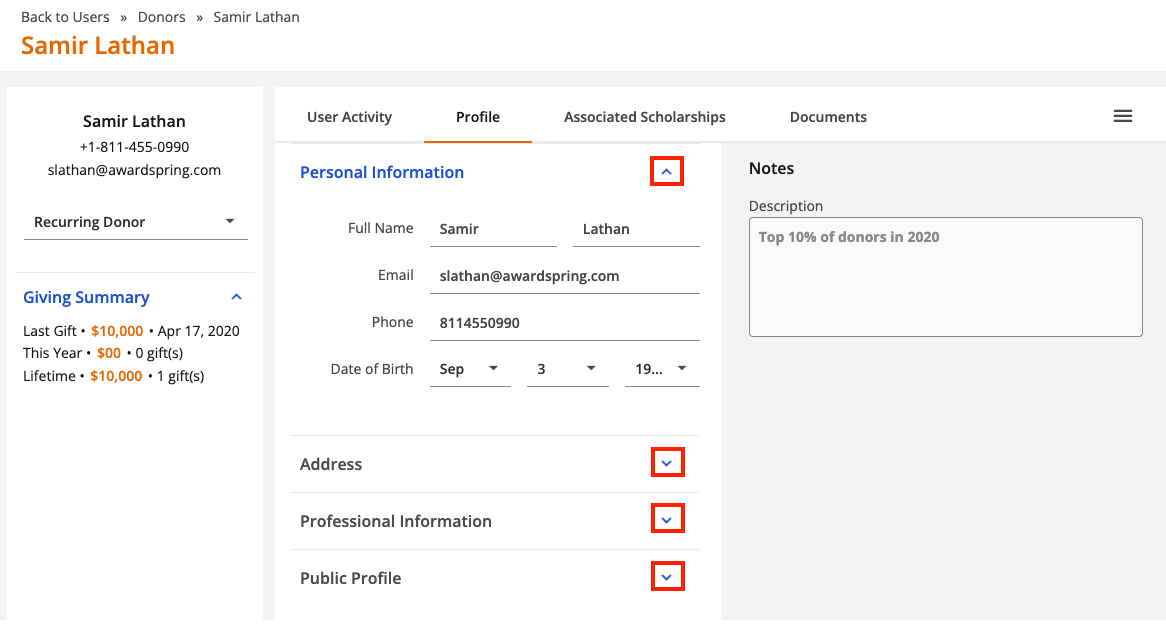
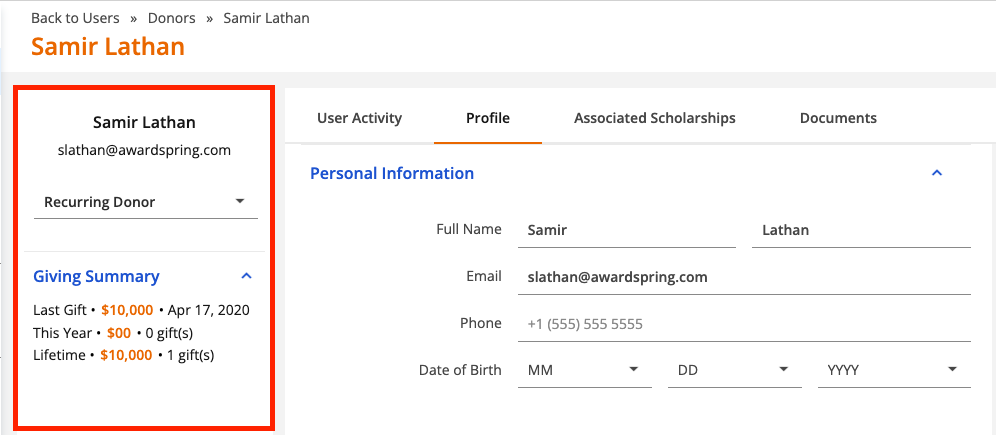
After creating a donor account, you'll immediately be taken to the donor Profile tab. Profiles allow you to track any details you might need for managing your donor outreach. The following key donor details are always visible on the left side of the profile.
- Name
- Contact inforomation
- Stage
- Giving Summary
Complete the profile tab by filling in any applicable information in the Personal Information, Address, Professional Information and Public Profile sections. You can also add notes about the donor on the Notes field in the top right corner of the profile.
.png-0-7d0c60ca-7cd7-4e53-83db-4a47a6fe2b34.png)
Use the arrows to collapse and expand sections of the profile page as needed.