
The Giving Records page is a centralized hub for tracking all giving records all in one place. On this page you can access the full history of gifts and pledges and search records by things like donor name, fundID, subject, campaign, and amount.
Giving Records can be accessed via the Fundraising tab in the main navigation menu.
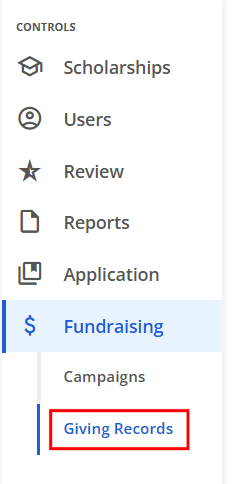
Any Gifts, Pledges or Recurring Payments made by donors are accessible on this page. The search bar allows you to look up any data that is already visible in the columns displayed (i.e. donor name, subject, fund ID, campaign name, etc).
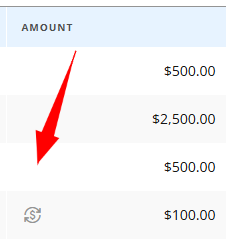
The Amount column will display a dollar icon if the recorded Gift is a re-occurring one.
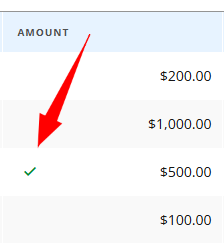
If a Pledge has been fulfilled, the Amount column will display a checkmark.
If a donation was made via Online Payment, the Amount column will display a credit card icon.
Clicking on the donor's name from this page will take you directly to the Donor record.
The Type column will state if the payment was made online or not. If it was made online, clicking on it will populate a receipt with the payment details.