
Texting allows for you to reach your student on the device they’re using most each day. Please reach out to customersuccess@awardspring.com if you are interested in adding texting functionality to your site.
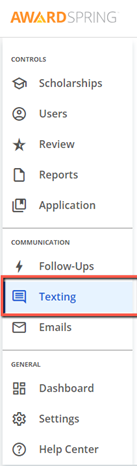
When texting is enabled, the left hand navigation menu will display the texting tab in the communication section.
The texting tab will display a message text box and a recipients entry box.
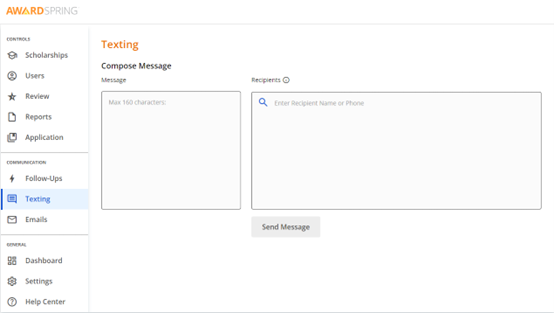
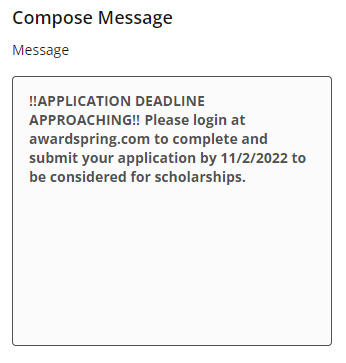
Text messages are able to be up to 160 characters and you are able to send a maximum of 14,000 texts at one time. Texts are sent at the rate of 1 per second.
The message box on the right hand side can be used to compose the 160 character message to your applicants.
The left side of the screen contains a search box for your recipient list. You can search by name or phone number. You can also paste a list of phone numbers into this field.
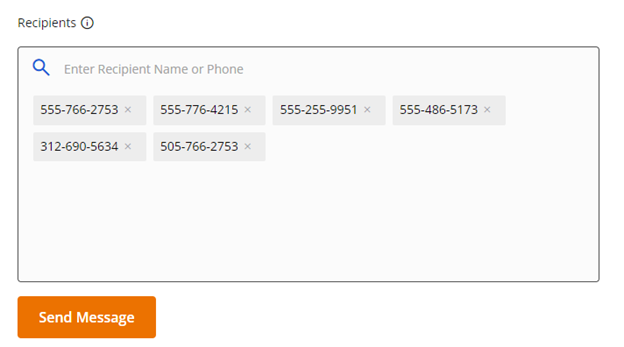
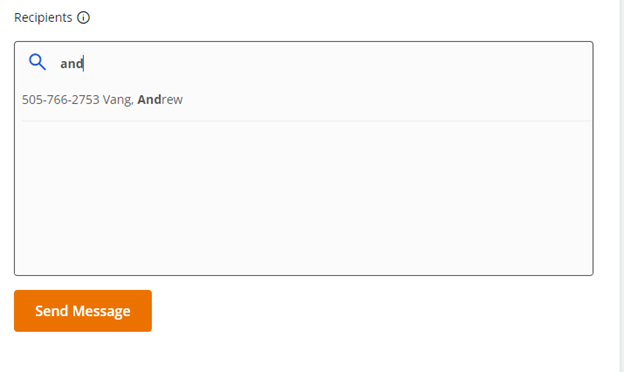
Click on “Send Message”. Messages will be sent at the rate of 1 message per second.